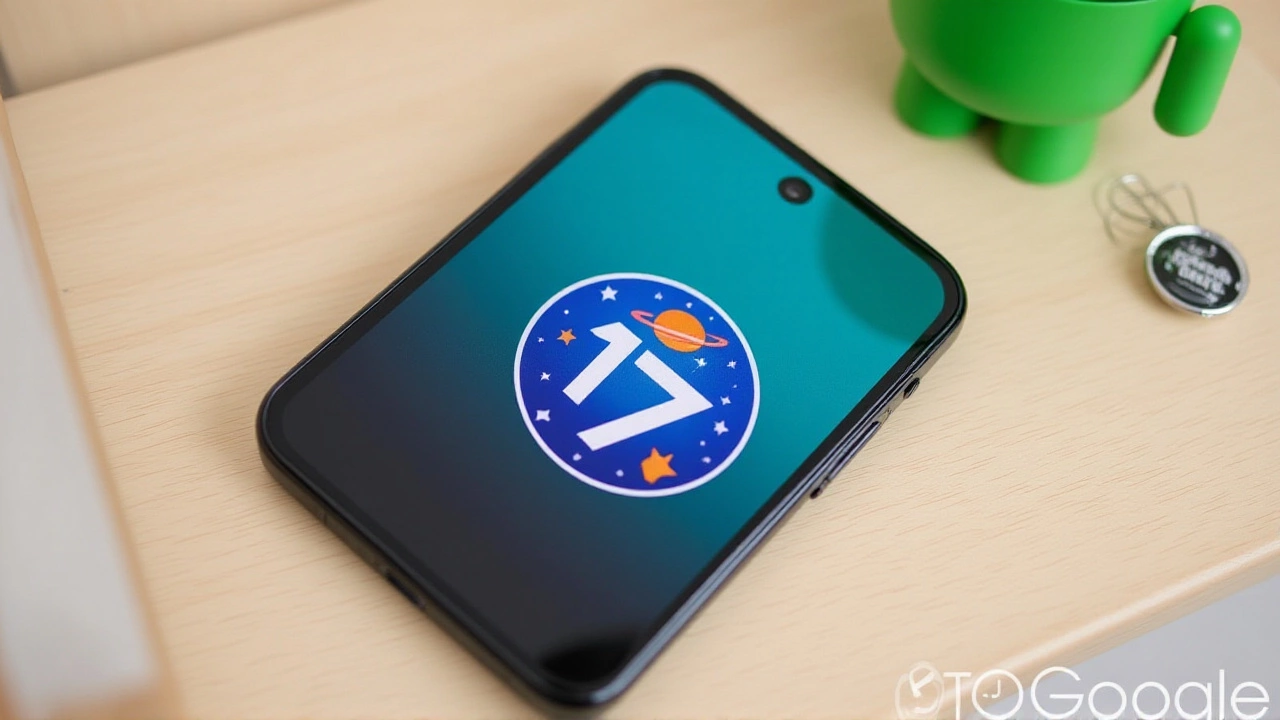
When Google officially declared that Android 17 had reached platform stability with Beta 3, it wasn't just another software update. It was a declaration of intent. The tech giant is no longer calling Android an operating system; they’re branding it as an "intelligence system." This isn’t marketing fluff—it’s a fundamental shift in how your phone interacts with you, driven by the Gemini AI framework.
The release marks a pivotal moment for mobile computing. For years, we’ve asked our phones to do things. With Android 17, the phone starts doing them for us. From background task automation to pro-grade camera tools integrated directly into social apps, this update blurs the line between user and assistant. But here’s the thing: while the API surface is now locked for developers, many of the most exciting features are still rolling out over the coming months.
From OS to Intelligence: What Actually Changes?
The biggest takeaway from the official developer blog and early hands-on reviews is the depth of Google's integration of AI. We aren't just talking about a smarter search bar. We're talking about agents that live in the background.
Take Spark, for instance. This feature turns Gemini into a full-on agent. You can tell your phone to book a fitness class, find concert tickets, or even unsubscribe from spam emails. Spark handles the multi-step process—opening apps, filling in details, navigating menus—while you go about your day. You can even lock your phone, and it keeps working. A visual indicator called Halo appears in the status bar to let you know when Gemini is busy behind the scenes.
Then there's Chrome Auto Browse, launching in June. If you've ever spent twenty minutes searching for a specific item online, comparing prices and reading reviews, this will feel like magic. You simply ask Gemini to handle the task, and it executes the browsing steps for you. It’s not entirely new territory for AI assistants, but seeing it baked directly into the browser experience on Android feels significant.
Creators Get Pro Tools (Thanks to Meta)
If you post content regularly, pay attention here. Google has teamed up with Meta to bring professional-grade editing tools directly into the Instagram app on Android devices.
This isn't just about better filters. Android 17 supports true Ultra HDR photos and videos within Instagram. There’s native video stabilization and night mode access that previously required third-party workarounds. One standout feature is Smart Enhance, which can recover details from blurry images or videos. Even more impressive is the audio separation tool, allowing creators to isolate sound tracks—say, removing background noise or boosting vocals—with granular control.
For reaction videos, the process is streamlined. You can record your screen and your face simultaneously using the front camera, effectively creating a virtual green screen without downloading extra apps. It’s a clear signal that Google wants Android to be the premier platform for mobile content creation.
Quality of Life: Widgets, Emojis, and Comfort
Sometimes the best updates are the ones that make daily life slightly less annoying. Android 17 introduces several subtle but impactful changes:
- AI-Driven Widgets: Forget static widgets. You can now ask Gemini to generate personalized widgets based on your habits. These aren't tied to specific apps but display the information you typically need, updating automatically on your home screen.
- Redesigned Emojis: Google has revamped its entire collection of 4,000 emojis to look more realistic. Rolling out later this year across Gboard, YouTube, and Gmail, these new designs add detail—like distinguishing noodles in a ramen bowl—that makes digital communication richer.
- Comfort View: A new menu combines Night Light with a new "Comfort View" filter, giving your screen a softer, pastel-like appearance to reduce eye strain during the day, while limiting blue light at night.
- Quick Share Expansion: Cross-platform sharing gets easier as Quick Share gains compatibility with Apple’s AirDrop, though hardware support varies by device.
There’s also a new Digital Wellbeing feature called Pause Point. You can label certain apps as "distracting." When you try to open them, the phone prompts you with alternatives like breathing exercises or photo browsing, or lets you set a strict timer for that session. It’s a nudge toward mindful usage, not a hard block.
Security and Privacy Tweaks
In an era of increasing digital theft, Android 17 doubles down on protection. The update introduces precision location controls, giving users more granular authority over where their data goes. New theft prevention additions aim to make stolen devices harder to use or resell. While the specifics of the theft prevention mechanisms are still being detailed, the focus is clearly on making the device itself a stronger fortress.
Privacy also extends to content filtering. Parents and guardians get new app store filters that allow age restrictions to be set individually for apps, games, movies, TV shows, and books. It’s a more nuanced approach than the blanket ratings of the past.
What’s Next for Android Users?
While Beta 3 signals stability, the rollout is ongoing. Features like Chrome Auto Browse arrive in June, and the emoji redesign comes later this year. Developers are currently in final compatibility testing, meaning most major apps should be ready by the time the stable version hits Pixel phones and other OEM devices.
The real question isn't whether Android 17 works—it does. The question is whether users will trust these AI agents enough to let them run in the background. With Spark handling bookings and Universal Cart tracking prices automatically, the convenience factor is high. But as with any shift toward autonomous systems, the balance between utility and privacy remains the critical conversation.
Frequently Asked Questions
Is Android 17 available on all Android phones right now?
Not yet. Android 17 has reached Platform Stability with Beta 3, primarily targeting Pixel phones first. Other manufacturers will receive the update later as they adapt their custom skins and ensure hardware compatibility. The stable public release is expected later this year.
What is the "Spark" feature in Android 17?
Spark is an AI agent capability powered by Gemini that allows users to delegate complex, multi-step tasks to their phone. Examples include booking appointments, finding tickets, or unsubscribing from emails. Spark operates in the background, opening necessary apps and filling in details automatically while you continue using your device.
How does the Instagram integration improve for creators?
Through a collaboration with Meta, Android 17 brings pro-level tools to Instagram, including Ultra HDR support, native video stabilization, and night mode. Creators can use Smart Enhance to fix blurry media and separate audio tracks for precise editing. Reaction videos are also simplified with simultaneous screen and camera recording.
When will Chrome Auto Browse launch?
Chrome Auto Browse is scheduled to launch in June. This feature enables Gemini to execute browsing tasks on behalf of the user, such as researching products or planning events, reducing the manual effort required for complex online searches.
Does Android 17 help detect AI-generated images?
Yes. The updated Circle to Search feature can analyze images on your screen to determine if they were created or edited by AI. If an image was modified using Google’s tools, it can explain what changes were made, adding a layer of transparency to social media content.

Write a comment